Configuring your quotes
|
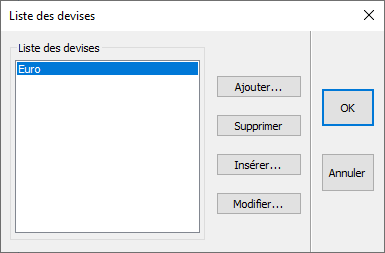
So that you can respond to clients from countries all over the world, InSitu allows you to add various foreign currencies. You will need to enter the country's exchange rate compared to the Euro. In the Set up drop down menu, click on Management | Currencies..., and a new dialog box will appear.
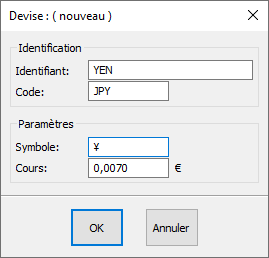
the " Identifier " (example: Swiss Francs, Tunisian Dinars, Yen, etc.) the " Code ": (example CHF, TND, JPY) the " Symbol " of the chosen currency in cases where it applies: (example CHF, DT, ¥) Enter the currency exchange rate in the " Rates " box. Setting up the Yen as an example
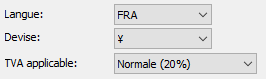
When creating your project, don't forget to select the Currency you wish to use.
|
|